
For AP teams still opening paper invoices
Accounts Payable Scanning Solutions and AP Invoice Scanning Software
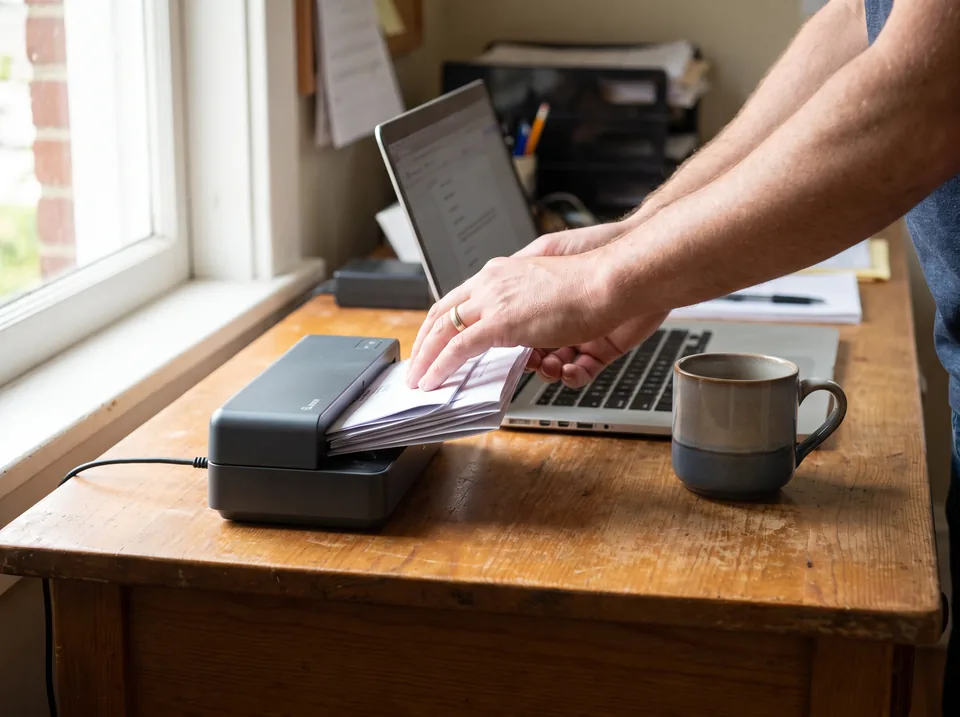
Scan the morning's vendor invoices on the office scanner, drop the whole batch here, and get vendor, invoice number, dates, totals and every line item back as Excel, CSV or a QuickBooks Online file. Plans are $49, $149 or $499 a month, billed monthly.
Accepts PDF, multi-page TIFF, JPG, PNG, BMP and HEIC phone photos, up to 50 MB per file.
Upload a scanned invoice and see the data
PDF, JPG, PNG, BMP, HEIC, TIFF
Upload your invoices and receipts
Drop files here or click to upload
PDF, JPG, PNG, BMP, HEIC, TIFF
Uploading...
The short answer
An accounts payable scanning solution has two parts: a scanner that turns paper into an image, and software that reads the image into data your ledger can import. Most offices already own the first part. The second part is what you buy, and it decides whether the clerk still types line items by hand.
PayablesAgent is the software half. It reads scanned and digital vendor invoices to the line item, shows each field next to the page for review, and exports Excel and CSV on every plan, QuickBooks Online on Plus, and JSON through the API on Pro.

From paper invoice to posted bill in four hops
The scanner is not where AP time goes. Typing is. This is where each minute moves once the reading is automated.
1. Paper
Vendor invoices in the mail
Single pages, multi-page bills, stapled delivery tickets
2. Scan
Office scanner or phone
300 DPI PDF or TIFF, one invoice per file or a whole batch
3. Read
PayablesAgent extracts
Header fields and every line item, checked next to the page
4. Export
Into your ledger
Excel, CSV, QuickBooks Online file, or JSON through the API
What AP scanning software has to do well
Scanned paper is harder to read than a vendor's digital PDF. Skewed pages, faint dot-matrix print and handwritten PO numbers are normal. These are the things we built for.
Batch upload
Select the whole morning's scans at once. Each file is read on its own, so one bad scan does not hold up the rest.
Every scanner format
PDF, multi-page TIFF, JPG, PNG, BMP and HEIC photos from an iPhone, up to 50 MB per file. No conversion step first.
Line items, not just totals
Description, quantity, unit price and amount for each row, which is what job costing and PO matching need. See line item extraction.
Review next to the page
Each extracted field sits beside the scanned image, so a clerk checks and fixes in seconds instead of hunting through the paper pile.
Exports your ledger takes
Excel and CSV on every plan, a QuickBooks Online file on Plus, and JSON through the API on Pro for NetSuite or Sage Intacct imports.
Seats for the AP team
One seat on Starter, three on Plus, five on Pro, unlimited on Enterprise, so the clerk who scans and the controller who reviews both log in.
Scanner settings for invoice OCR
Most bad extraction results on paper invoices trace back to the scan, not the software. Set the scanner profile once and every clerk gets the same clean files.
| Setting | Use | Why |
|---|---|---|
| Resolution | 300 DPI | Keeps small digits and table rules sharp; 400 DPI only for faint thermal paper |
| Color mode | Grayscale | Keeps stamps and highlighter readable, files much smaller than color |
| File type | PDF or multi-page TIFF | Keeps a multi-page invoice together as one document |
| Separation | One invoice per file | Each file becomes one bill; use the scanner's blank-page or patch-sheet split for batches |
| Duplex | On, skip blank pages | Catches terms and remit-to details printed on the back |
| Deskew | On | Straight rows make line item tables easier to read |
| Destination | Shared AP folder | One place to batch-upload from at the end of the morning |
AP scanning solutions compared by price and line items
Prices are from each vendor's own pricing page. Where a vendor publishes no price, we say so instead of guessing.
| Tool | Published price | Line items | What else you buy | Best for |
|---|---|---|---|---|
| Yooz | None, quoted | Yes | Approval workflow, payments, PO matching | Teams replacing their whole AP process |
| AvidXchange | None, quoted | Yes | Approvals and vendor payments | Mid-market property and construction AP |
| Dext | $25.21 a month billed annually, 250 documents | Add-on, from $20.50 a month or $0.50 a document | Bookkeeping publishing to Xero or QuickBooks | Small businesses and bookkeepers |
| Hubdoc | $12 a month standalone | No | Document fetch and storage | Xero users who need totals only |
| PayablesAgent | $49 (2,500 pages), $149 (10,000), $499 (35,000) | Yes, every plan | Nothing; approvals and payments stay in your ERP or bank | AP teams that need scanned invoices read, not a new platform |
If you are already comparing payment platforms, see our page on Bill.com competitors.

Who still scans invoices, and why
Restaurants and hospitality
Food and beverage invoices arrive on paper with the delivery, often with handwritten credits. Invoice scanning for restaurants covers the line-item detail cost control needs.
Construction and property management
Subcontractor bills, delivery tickets and utility statements still come by mail to job sites and property offices. Scanning at the site and reading centrally keeps job costing current.
Bookkeeping and accounting firms
Clients drop off shoeboxes of bills at month end. A batch scan and upload turns them into a spreadsheet you can scan invoices into Excel and post from.
Field teams with phones
Technicians photograph supplier invoices on site. HEIC and JPG uploads go through the same reader as the office scans.
How to switch AP scanning on in a week
Set one scanner profile
300 DPI, grayscale, PDF, duplex, saved to a shared AP folder.
Test 20 real invoices
Include the worst ones: faded, folded, multi-page, handwritten.
Import one export
Load the Excel, CSV or QuickBooks Online file into your ledger and check vendors and GL mapping.
Scan daily, upload once
Clerks scan as mail arrives and batch-upload before lunch. Review takes minutes, not hours.
AP scanning software pricing
Priced by pages read per month, billed monthly, no setup fee. A one-page invoice is one page.
Starter
$49 a month
2,500 pages, 1 seat, Excel and CSV exports.
Plus
$149 a month
10,000 pages, 3 seats, QuickBooks Online export.
Pro
$499 a month
35,000 pages, 5 seats, API access.
Full limits and annual prices are on the pricing page.
Questions about accounts payable scanning
What is AP scanning?
AP scanning is the step where paper and emailed vendor invoices are turned into digital files and then into data. A scanner or phone creates the image, OCR software reads the vendor, invoice number, dates, totals and line items, and the result is exported to the accounting system instead of being typed by hand.
How much does accounts payable scanning software cost?
It ranges from about $12 a month for receipt-style capture without line items to quoted contracts for full AP suites such as Yooz or AvidXchange, which publish no prices. PayablesAgent costs $49 a month for 2,500 pages, $149 for 10,000 pages with 3 seats and QuickBooks Online export, and $499 for 35,000 pages with the API.
What DPI should I scan invoices at?
Scan invoices at 300 DPI in grayscale or black and white. That is the standard resolution for OCR: small print and line item tables stay readable, and files stay small enough to upload in batches. Go to 400 DPI only for tiny fonts or faded thermal paper, and avoid 150 DPI, which blurs digits.
Do I need a special scanner for invoice scanning?
No. Any office scanner or multifunction printer with a sheet feeder that saves PDF or TIFF works, and phone photos work for a few invoices at a time. A duplex feeder helps when vendors print terms on the back. The OCR software, not the scanner, does the reading. For phone capture, see our mobile invoice scanner.
Can scanned invoices be imported into QuickBooks?
Yes. Scan the invoices, upload the files to PayablesAgent, review the extracted fields, and export a QuickBooks Online file on the Plus plan or Excel and CSV files on every plan. Each invoice keeps its vendor, dates, totals and line items, so bills are created without retyping. On QuickBooks Desktop the route is an import file plus a bill importer, set out in our page on how to scan bills into QuickBooks Desktop.
Stop retyping scanned invoices
Upload today's scans and export the batch to your ledger before the next mail run.
Related pages
Accounts payable OCR software
How AP invoice OCR reads digital and scanned bills
Scanned invoice OCR software
Extracting data from poor-quality paper scans
Scan invoices into Excel
PDF invoice to Excel converter
Invoice line item extraction
Every row, quantity and unit price
Yooz pricing and alternatives
What a quoted AP suite costs next to capture
Best OCR software for invoice processing
Nine tools priced from their own pages